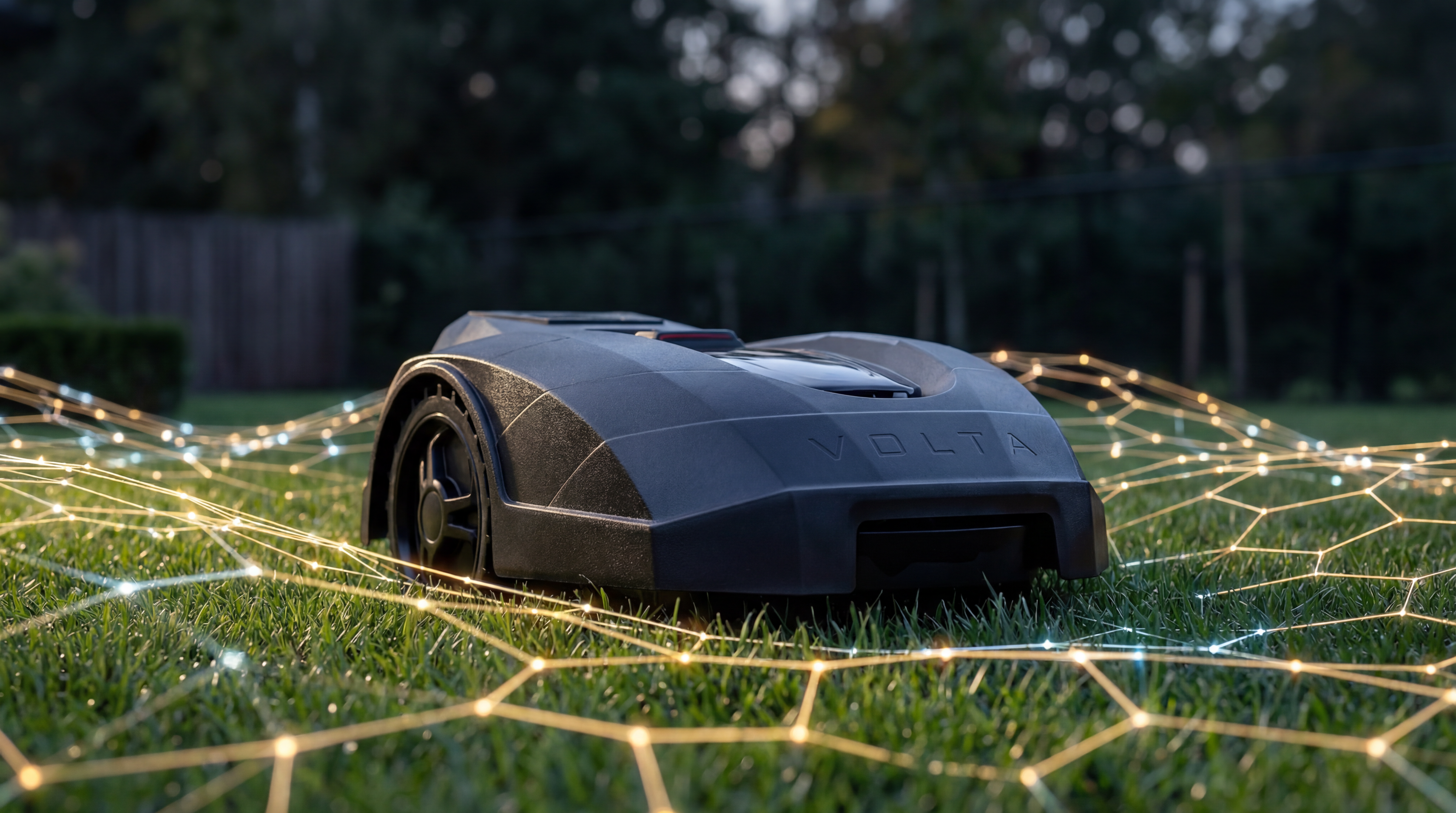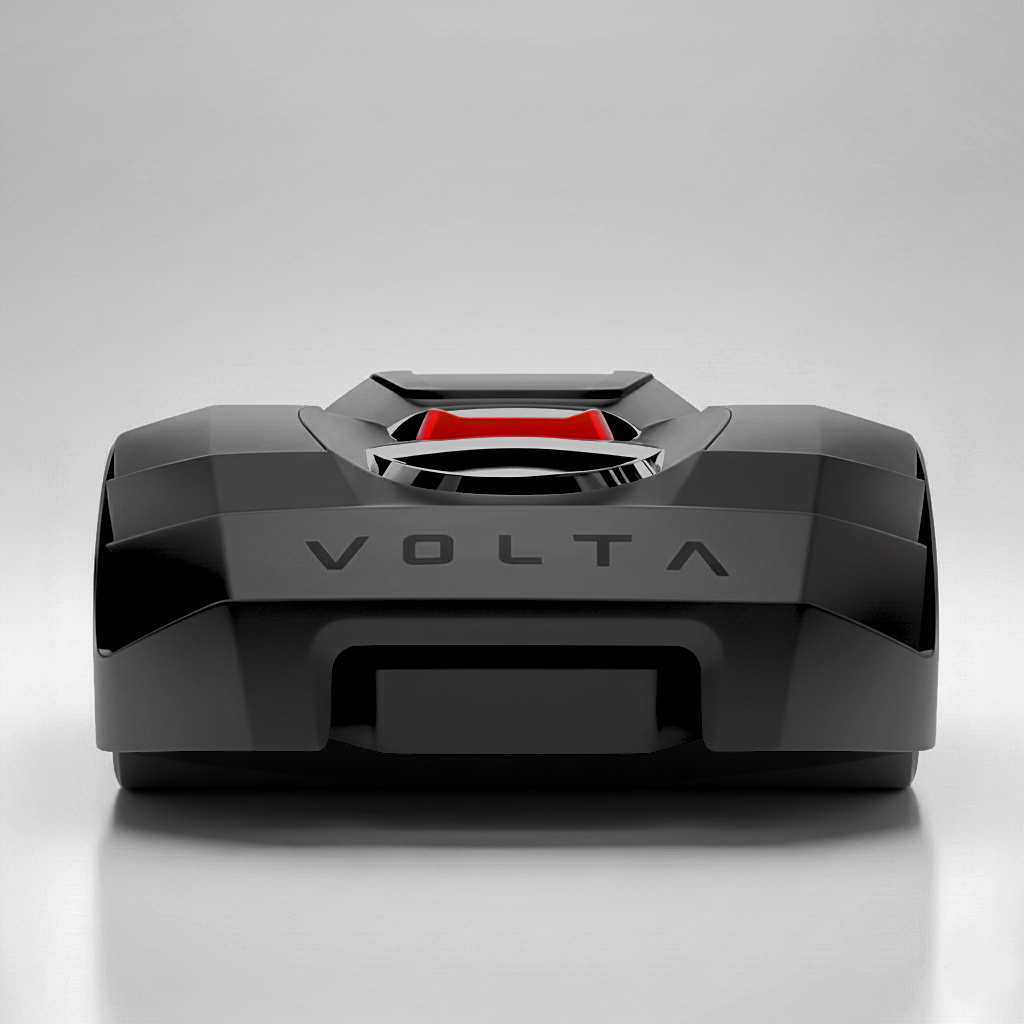
Setup Drop & Mow®
Two steps to autonomous lawn care. No wires, no excavation, no professional installation.
Two Steps. That's It.
Autonomous lawn care has historically required complex installation — perimeter wires buried underground, precise boundary mapping, professional calibration, and ongoing manual adjustments when the garden changes. Drop&Mow® eliminates all of that.
- Connect to Wi-Fi.
- Place the base station.
No buried perimeter wires. No RTK reference stations. No professional installation visits. No manual boundary programming. From unboxing to first autonomous mow in minutes.
Connect WiFi.
Plug in the base.
Walk away.
Your Lawn Companion explores on its own. From here on, the app is optional — optional, not absent. Simple enough for your parents. Deep enough for you.
The Full Walkthrough
Order.
Get the app.
Unbox and power on.
Connect to Wi-Fi.
Position the base station.
Keep the base mounted close to the lawn and on firm, compact ground. If it sits too far from the grass or on loose, uneven terrain, the Lawn Companion can't dock cleanly or read every zone reliably.
Draw an approximate lawn area.
Dock the robot.
Tap Play.
How the Robot Learns Your Lawn
When the robot begins its first session, it does not follow a pre-programmed mowing plan. It explores. It leaves the base in slow motion, inspects its surroundings, and begins moving within the approximate lawn area. It identifies where grass is, where hard surfaces begin, where obstacles are located, and how different areas of the lawn connect to each other.
What to Expect in the First Days
The robot behaves like a new arrival learning its environment. In the first sessions, it will cover all reachable grassy area within the property. When it encounters a non-grass surface such as a sidewalk, it stops and redirects.
On properties with complex layouts, the robot may not be able to navigate back to the base station during the initial exploration period. This is normal — full return-to-base capability requires a complete spatial map, which typically takes a couple of days to build. If needed, the robot can be carried back manually during these first sessions.
The system improves with every session. Paths become more efficient, boundary knowledge becomes more precise, and the robot's understanding of the property deepens continuously.
Crossings Between Zones
Many properties have lawn areas separated by paths, driveways, or other non-grass surfaces. Volta handles these with a simple crossing setup.
- Place the robot where lawn meets the non-grass surface
- Tap "Add Crossing" in the app
- The robot verifies the path with a couple of test traversals
- Add the reverse path — or define an alternative return route
Over time, the robot optimizes its use of crossings based on operational experience. If a crossing becomes temporarily blocked — for example, by a parked car — the robot adapts its routing accordingly.
A Lawn Is Never Static
Conventional robotic mowers require manual reprogramming when the environment changes — perimeter wires must be re-buried, boundary maps redrawn, exclusion zones reconfigured. Volta is designed for continuous adaptation.
The self-learning system does not build a static map and follow it indefinitely. It continuously updates its understanding based on what it encounters during every session:
- A bush that has grown into the mowing path is recognized and avoided automatically
- Furniture moved to a new location is incorporated on the next session
- An expanded garden bed is detected and excluded from mowing
- Seasonal changes — a pool cover deployed in winter, removed in spring — are absorbed without reconfiguration
The robot does not need to be told that the lawn has changed. It discovers changes through ongoing exploration and adapts accordingly.
Multiple Robots, One Property
For larger properties or complex layouts with disconnected zones, multiple Lawn Companions can operate on the same property. They coordinate their activities through cloud-based orchestration — dividing mowing responsibilities, avoiding duplication, and ensuring complete coverage.
Each robot maintains its own adaptive learning while sharing a common spatial model of the property. Adding a robot requires no additional hardware or configuration beyond registering it in the app.
Simplicity Through Intelligence
Traditional robotic mower setup is complex because the robot is not intelligent enough to learn on its own — it needs the human to describe the environment in precise terms. When the environment changes, the human must update the description.
Volta inverts this relationship. The robot is responsible for understanding its environment. The human provides only what the robot cannot acquire on its own: Wi-Fi credentials, an approximate lawn area, and crossing locations. Everything else — boundary precision, obstacle mapping, path optimization, spatial adaptation — is the robot's job.
This is why setup takes minutes instead of hours, and why ongoing maintenance requires no manual intervention.